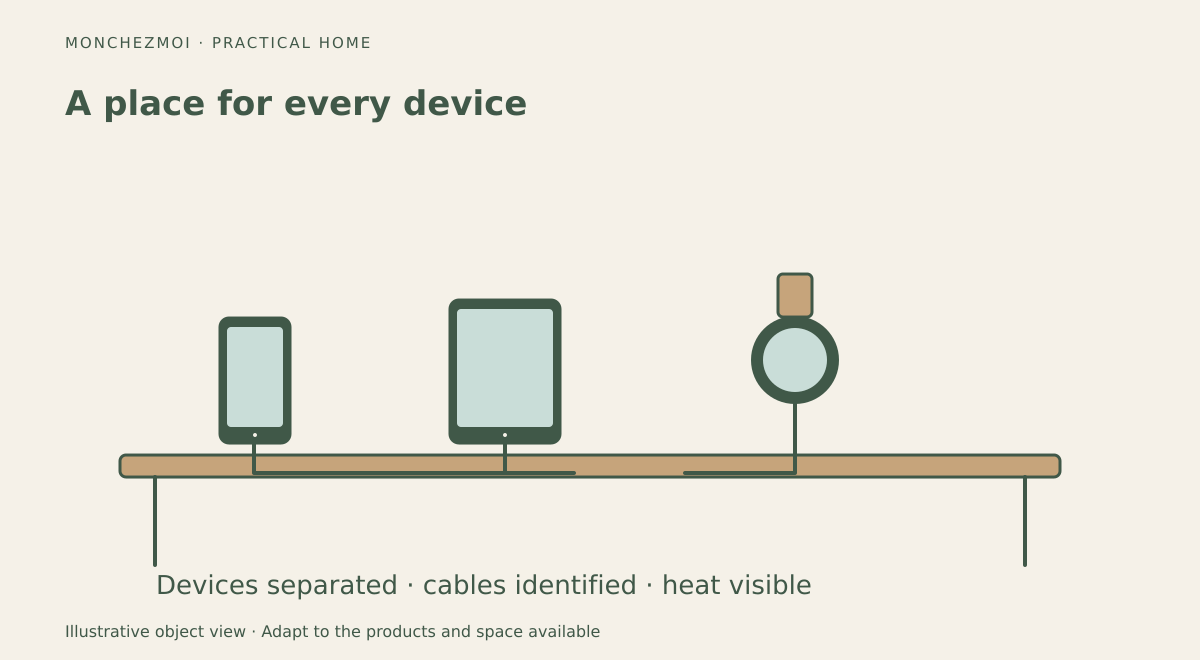
Unlike a bedside cable tidy, a shared family charging station must allocate ports, connectors and spaces to several people. It should make devices easier to find without turning a shelf into a nest of hot adapters and tangled cords. The most effective design starts with the devices people actually charge, then provides safe power, accessible spaces and simple cable management.
Count devices before choosing equipment
List the phones, tablets, watches, headphones and other items charged regularly. Record their connector types and whether they use proprietary charging pucks. A USB-C phone, a smartwatch and a tablet may need different arrangements even if they share the same shelf.
Also consider when devices are needed. A charging area in a hallway may work for family phones, while a tablet used for homework may need a more accessible location.
Pick a dry, open location
Choose a stable surface away from sinks, spills, heaters and direct sunlight. Avoid soft furnishings that trap heat. An open shelf or console generally makes it easier to notice damaged cables and provides more airflow than a tightly enclosed box.
Do not locate charging equipment where cords cross walkways or where devices could fall into water. Keep exits and electrical panels clear.
For a separate bedside setup, our nightstand cable-management guide covers clips and routing in more detail.
Use suitable, certified electrical equipment
In Canada, look for legitimate electrical certification marks accepted for the product category, such as CSA, cUL or cETL, and verify that the charger is compatible with the device. A multi-port charger must be capable of supplying the intended combination of devices; advertised maximum wattage may be shared across ports.
Give every device a home
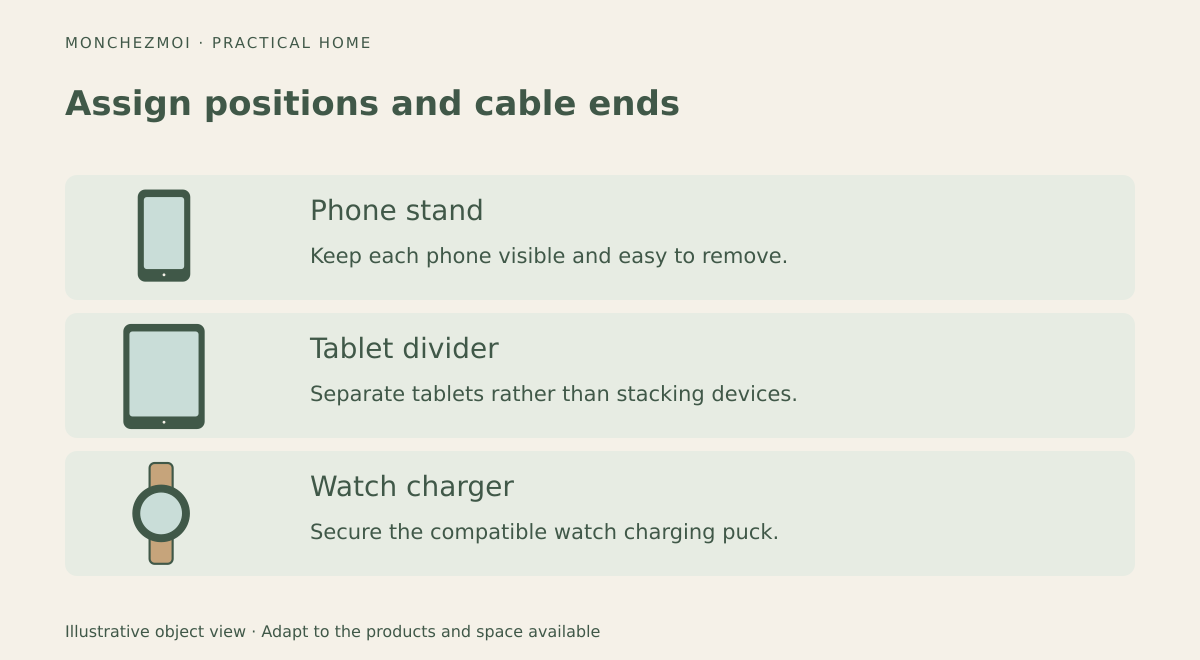
Use vertical stands or dividers so devices are not stacked. Label cables by person or device type. Cable clips can guide cords along the back of a shelf, while short cables reduce slack. Leave enough room to connect and remove a device without pulling another one down.
For smartwatches, mount the approved charging puck securely rather than letting it disappear behind the shelf. Keep spare cables in a separate drawer instead of adding them to the active charging surface.
At a work surface, use the accessible routing principles in our guide to managing desk cables.
Manage heat and charging habits
Avoid charging damaged or swollen devices. If an adapter or battery becomes unusually hot, stop using it and follow the product's safety instructions.
Keep maintenance minimal
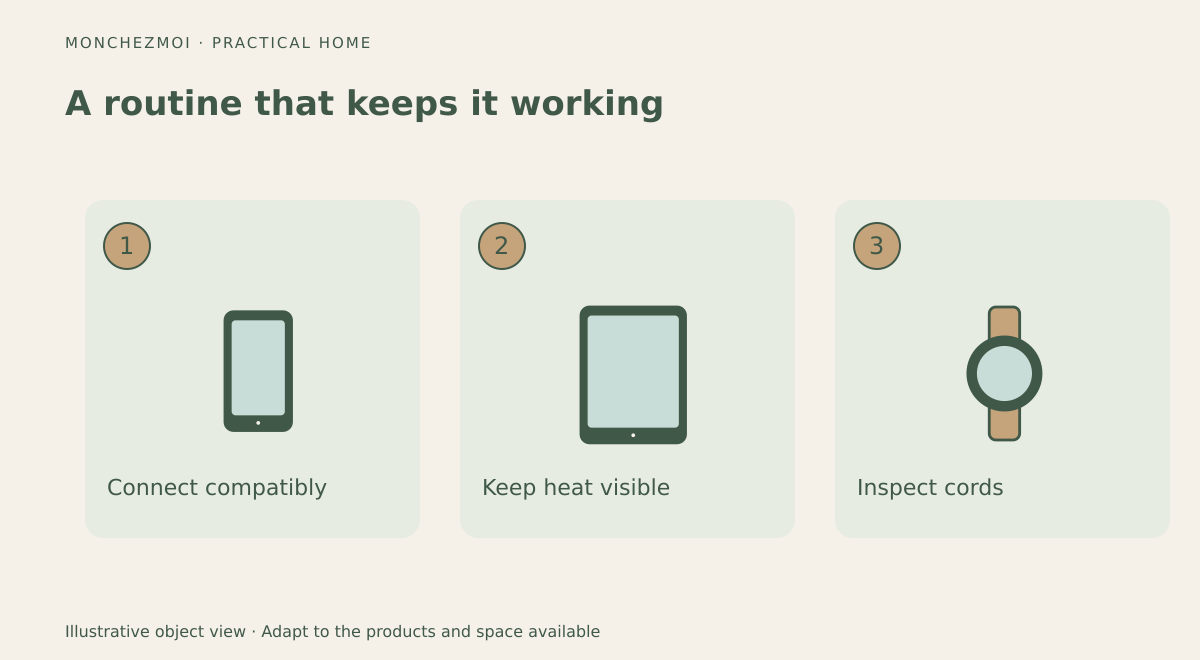
Once a month, clear dust, inspect cords and remove obsolete adapters. Reassess the setup when the family changes devices; a station that worked for four phones may not suit two tablets and several watches.
A good charging station is not defined by a custom cabinet. It is a safe, open, labelled location where each device has a predictable place and cables remain manageable.