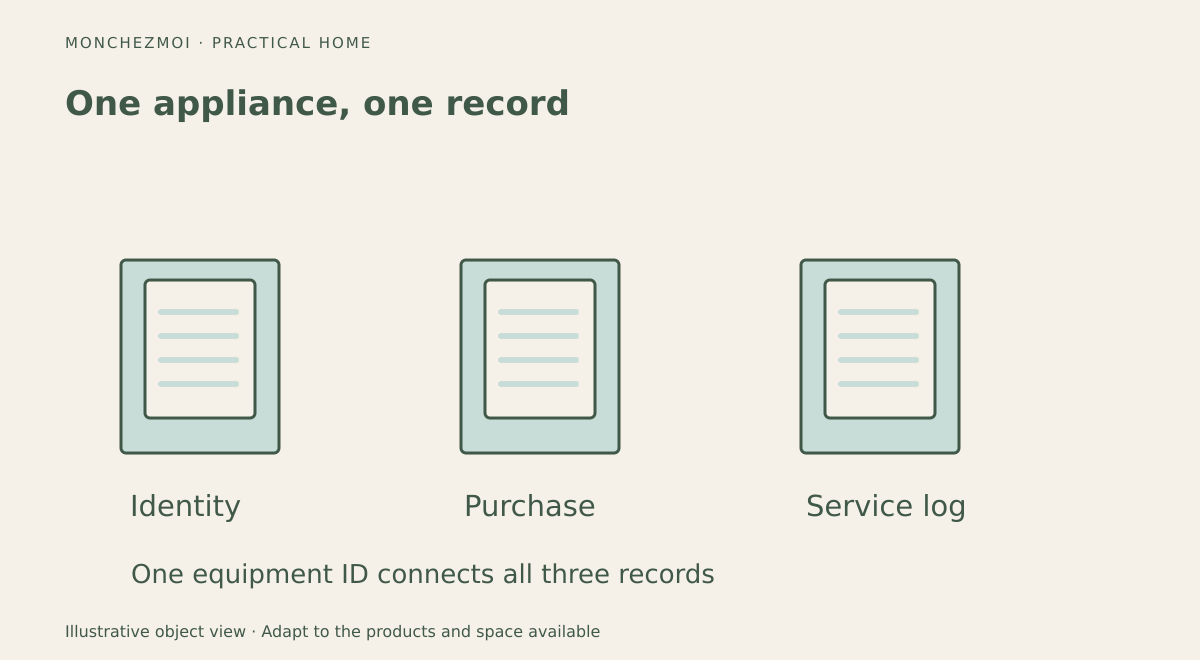
When a dishwasher stops working, the difficult part is often not finding a repair company. It is locating the model number, purchase receipt, warranty terms and details of the last service visit. A home maintenance record system solves that problem by connecting each appliance to its documents and service history.
The system can be a binder, a spreadsheet, a folder on a computer or a combination of all three. Its value comes from being easy to update after an ordinary repair, not from having the most sophisticated software.
Make one record for every major appliance
Start with equipment that is expensive, frequently serviced or essential to the home: refrigerator, stove, dishwasher, washer, dryer, heat pump, air conditioner, water heater and ventilation equipment. Add smaller appliances later if their warranty or replacement parts justify the effort.
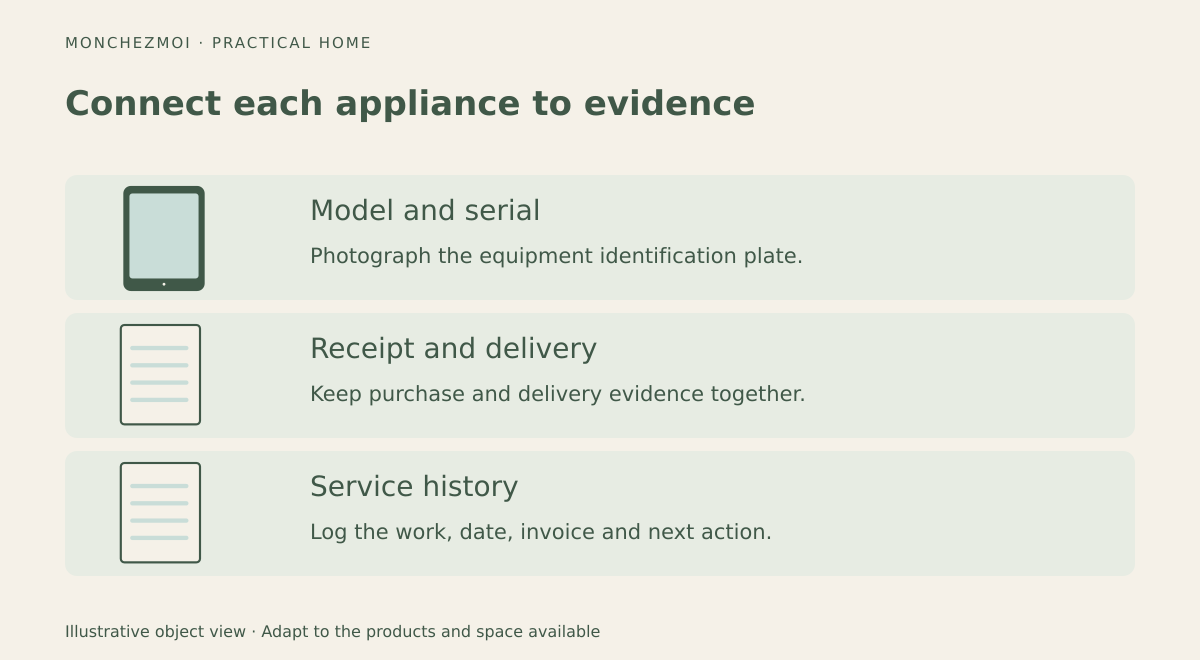
Each record should include the appliance name, location, brand, model, serial number, purchase date, delivery or installation date, retailer, purchase price, receipt location, warranty documents and manual. Add the last maintenance date, next scheduled task and a short repair history. A photograph of the identification plate is often more useful than a manually typed serial number that might contain an error.
Pick the simplest format that will actually be maintained
A paper binder works well for original receipts and service invoices. Divide it by room or equipment type and use clear sleeves for documents that must stay together. Its weakness is searchability: finding a model number away from home can be inconvenient.
A spreadsheet makes dates and filters easier to manage. Use one tab for the appliance inventory and another for maintenance events. Each event can have a date, appliance ID, work performed, service provider, cost, invoice link and next action. Cloud storage can make manuals accessible from a phone, but it also requires attention to account security and backups.
A dedicated home-inventory app may add reminders and attachments, but it should be possible to export records. A system that locks every receipt inside an unavailable app is a poor long-term archive.
Keep the supporting records in a backed-up household digital archive, with access limited to the people who need them.
Use a predictable folder structure
A practical digital layout is one main folder called Home Records, with subfolders for Appliances, Heating and Cooling, Plumbing and Electrical. Inside each equipment folder, store the receipt, manual, warranty and service invoices. File names such as 2026-10-12_dishwasher_service.pdf are easier to sort than scan004.pdf.
Keep sensitive documents in an account with appropriate security. Make a backup that is independent of the main storage provider, and avoid sharing serial numbers, invoices or home details through public links.
Track work as it happens
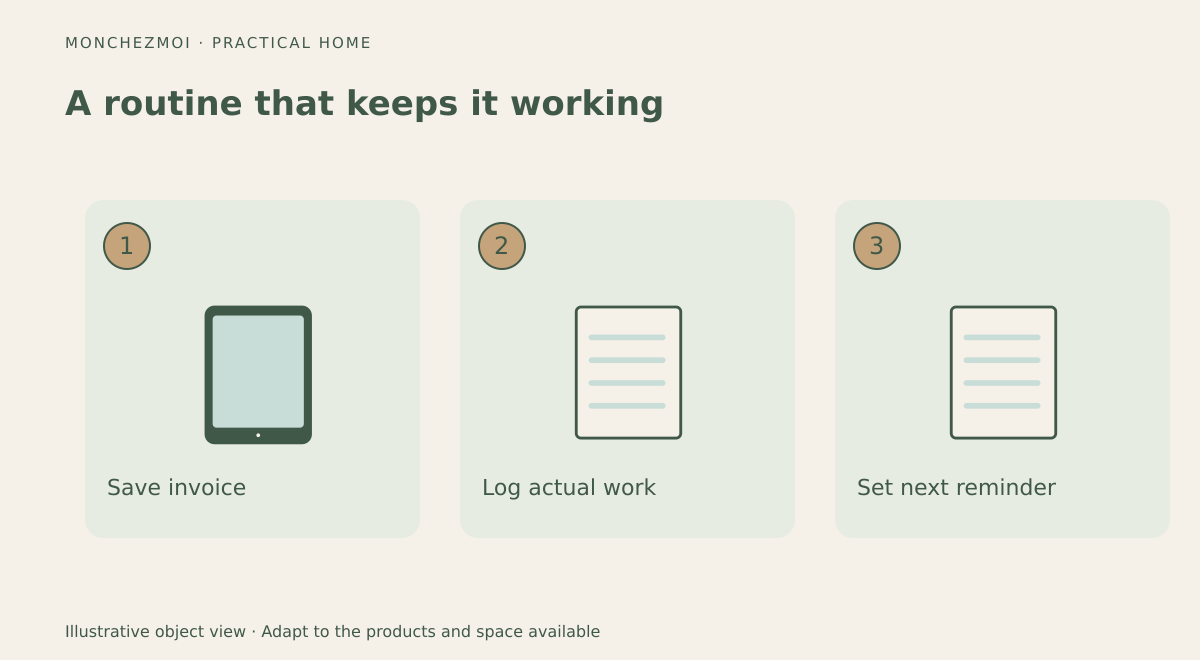
After a service visit, add a brief entry while the details are fresh: what failed, what the technician found, which parts were replaced, what the work cost and whether follow-up is needed. Save the invoice even when the repair was covered by warranty. For do-it-yourself maintenance, record the date, task and relevant filter or replacement-part number.
The same inventory-and-swap method works for a seasonal kitchen-appliance rotation.
Understand warranty records in Québec
This is a strong reason to save both purchase and delivery evidence. Keep the retailer's invoice, delivery confirmation, manufacturer warranty and correspondence about defects together. Do not automatically delete the file when a commercial warranty expires: other legal rights or practical repair records may still matter.
Set reminders without creating busywork
A recurring calendar event is enough for many households. Link each reminder to the appliance record and describe the actual task: inspect a filter, arrange professional service or check a manufacturer's cleaning procedure. If a task is skipped, reschedule it rather than marking it complete. Review the inventory once a year and whenever equipment is replaced.
For renters, keep records of appliances personally owned and document maintenance requests concerning landlord-provided equipment. Homeowners will usually need a broader history of installed systems. The exact responsibilities depend on the lease, local law and the equipment involved.
Use the same clear naming scheme as our guide to visual storage labels so everyone can identify the right compartment.
Key takeaways
One appliance record, one document folder and one chronological maintenance log are enough to build a useful system. Save purchase and delivery evidence, use manufacturer-specific service intervals, and choose a format that can be backed up and exported.