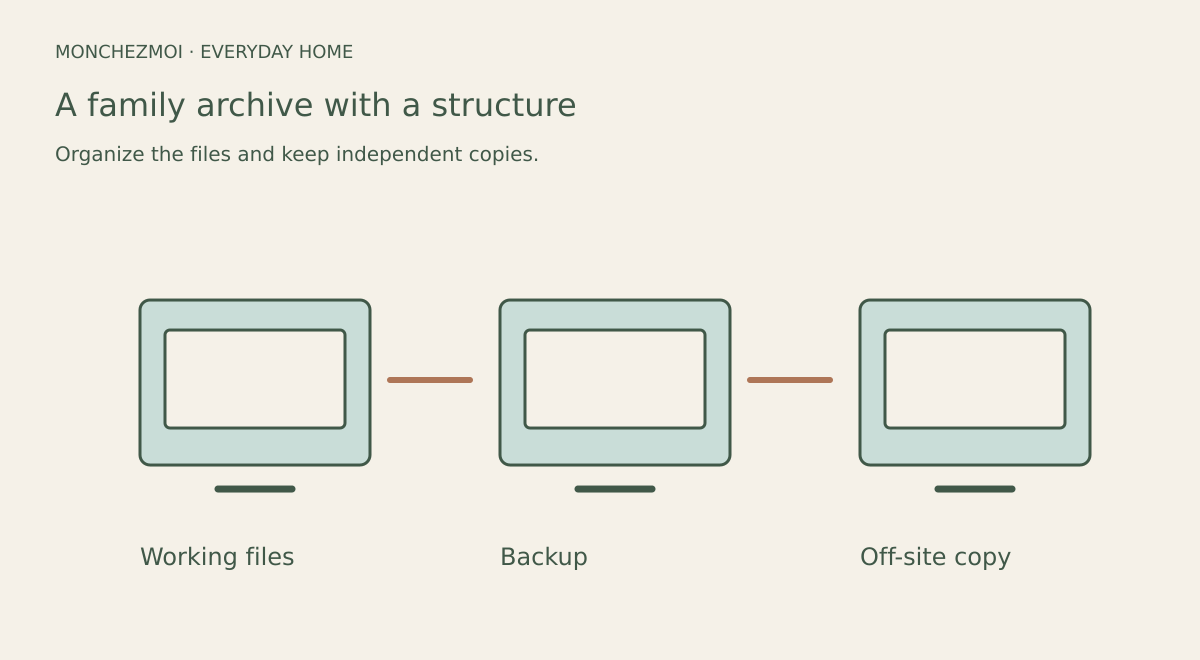
Building a digital family archive that endures across generations depends on two foundations: a resilient backup strategy and consistent file organisation. The widely recommended 3-2-1 rule — three copies of your data, stored on two different media types, with one copy kept offsite — provides a baseline that survives hardware failure, ransomware, and provider outages. A modern extension, 3-2-1-1-0, adds an immutable copy and mandatory backup verification so you can trust every restore. Equally important is a cross-platform naming convention: using ISO 8601 dates, hyphens between words, and underscores between fields keeps files sortable and script-friendly on Windows, macOS, and Linux. This guide walks through each practice with Canadian households in mind.
The 3-2-1 Backup Rule
The 3-2-1 rule is the baseline strategy for protecting a digital family archive: keep three copies of your data on two different media types with one copy stored offsite. The primary copy lives on your everyday device — for example, a laptop SSD. Backup 1 sits on a local external hard drive at home. Backup 2 goes to an encrypted cloud service that offers Canadian data residency, so your files remain under Canadian privacy law.
For Canadian households, choose a cloud provider that stores data in Canada (for example, a Canadian-region bucket on AWS, Azure, or a domestic provider such as Sync.com). Encrypt the offsite copy before upload, or use a zero-knowledge service, so only you hold the keys. Schedule the local external-drive backup weekly, and verify the cloud copy monthly by restoring a few test files.
Optional: Modern 3-2-1-1-0 Extension
The 3-2-1-1-0 extension adds two requirements to the classic rule: one immutable copy and verified backups with zero errors. An immutable copy cannot be altered or deleted once written, protecting against ransomware and accidental overwrites. Practical implementations include an object-locked cloud bucket (for example, S3 Object Lock on a Canadian-region bucket) or an offline tape stored in a safe deposit box. Because immutable storage cannot be edited, plan retention periods carefully and expect higher costs.
Verification means every backup is tested after creation — checksum validation or a test restore —, so you know restores will work when needed. Automate checksum validation where possible; schedule monthly test restores of a few representative files. Verification takes time, but it eliminates the false confidence of untested backups.
Example: enable S3 Object Lock on a Canadian-region bucket for the immutable copy; run monthly test restores.
File Naming Conventions for Cross-Platform Compatibility
Choose a naming pattern that everyone using the archive can follow. A date at the start, followed by the event and a short description, makes the purpose of a file easier to recognize without opening it.
In this example, underscores separate the main fields and hyphens separate words within a field. Before renaming a large collection, try the pattern on a few copied files and check it with the devices, backup tools and any scripts you actually use.
Keep a short note explaining the chosen pattern in the archive folder. That gives other family members a reference when they add new material.
Key takeaways
The 3-2-1 backup rule remains the foundation: keep three copies of your archive on two different media types with one copy stored offsite. A modern 3-2-1-1-0 extension adds an immutable, write-once copy and requires verification that every backup restores with zero errors. For file naming, use ISO 8601 dates (YYYY-MM-DD) as prefixes, hyphens between words, and underscores between fields to ensure cross-platform sorting and script compatibility. Cloud sync alone is not a backup; accidental deletion or ransomware can propagate instantly. Two copies on the same external drive do not satisfy the rule. Adapt any convention to your household's agreed schema — consistency within your archive matters more than adherence to any external standard.